Nothing Leaves Your Server: Why Our Venue Booking Plugin Makes Zero External Connections
There's one line in the WordPress.org listing for SteadyDevs Venue Booking that we're quietly proud of:
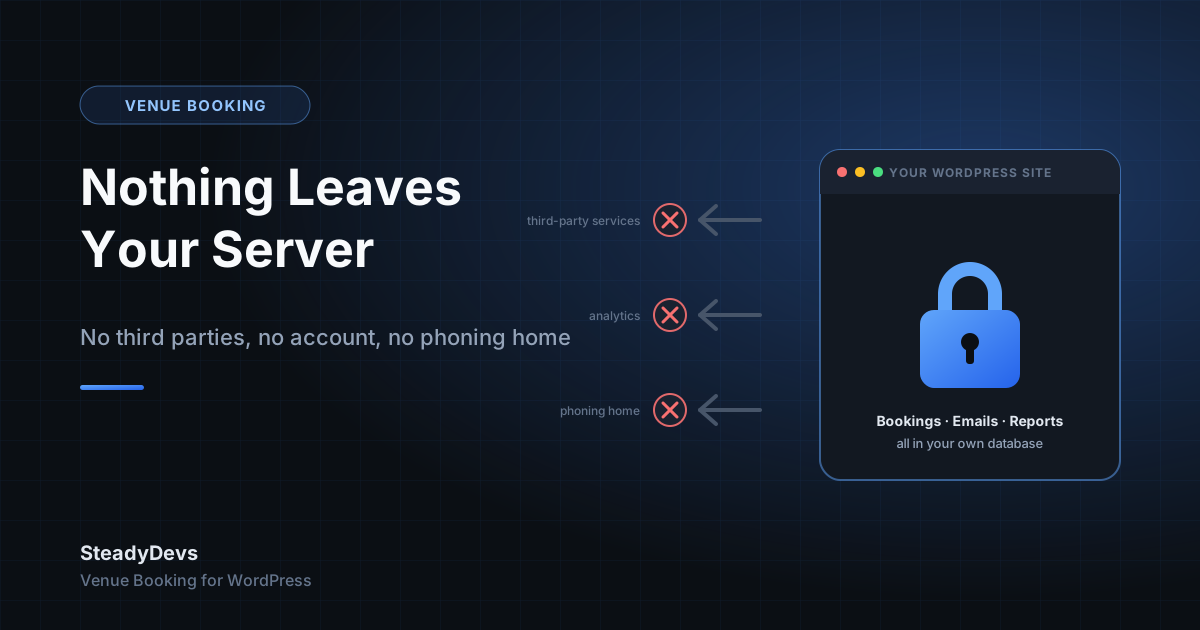
"It makes no external connections: no third-party services, no analytics, no phoning home, no account required. Nothing leaves your server."
That isn't a privacy policy. It's a description of what the code does. This post explains what that means in practice, why we think it matters for a venue, and where the line sits between the free plugin and the Pro edition.
What "no external connections" actually covers
- Bookings are stored in your own WordPress database, in tables the plugin creates on your site.
- Customer emails—pending, approved, rejected—are sent through WordPress's own mail function, the same way your contact form sends mail.
- Availability checks run on your server against your database. The form never asks another service whether a slot is free.
- No account with us is needed. There is no API key to paste in and no dashboard on our side that mirrors your data.
- No analytics or telemetry. The plugin doesn't report usage, installs or errors back to us.
If you were to block all outbound traffic from your web server tomorrow, the free plugin would keep taking bookings exactly as it does today.
Why this matters for a venue specifically
Your customer list is your business
For a driving range, a racket club or a studio, the booking history is the customer relationship: who comes, how often, which slots they prefer, what they spend. A booking tool that stores that on someone else's servers is holding your most valuable asset on your behalf. We'd rather it stayed on yours.
Nothing depends on us staying in business
A lot of "free" booking tools are free because the real product is a hosted service you'll pay for later, or data you don't control. If that company pivots or shuts down, your booking page goes with it. The free plugin has no such dependency. If SteadyDevs disappeared tomorrow, your site would keep taking bookings.
Fewer things to explain to customers
When a customer asks where their details go, the honest answer is "into the same database as the rest of my website." No list of sub-processors, no third-party terms to link to.
What we're not claiming: "no external connections" is a statement about the plugin's code, not a legal certification. Your overall PDPA or GDPR position still depends on your hosting, your other plugins and how you handle data. We've written separately about PDPA for business systems if that's your concern.
Why it also made the WordPress.org review simpler
Every plugin on WordPress.org goes through a manual review. A plugin that calls out to external services has to document each one, explain what data is sent, and link to the relevant privacy policies. A plugin that calls out to nothing has a much shorter conversation with the reviewer. Keeping the free edition self-contained wasn't only a privacy decision—it kept the listing honest and easy to verify.
Where the Pro edition differs
The Pro edition is a separate plugin, downloaded from our site rather than WordPress.org, and it's licensed, so it does talk to a licensing service to check that your key is valid. Features like the Class Portal's online credit packages also connect to a payment gateway, because taking a card payment without one isn't possible. Your bookings themselves still live in your own database either way.
We think that's the right line: the free plugin is fully self-contained, and the Pro edition connects to exactly the services its extra features need, and nothing else.
Bookings That Stay on Your Own Site
SteadyDevs Venue Booking is free on the WordPress.org plugin directory—unlimited resources, no account, nothing expires. The Pro edition adds reminders, the Class Portal and more, with a 14-day free trial and no credit card required.
See Plans and Pro FeaturesFrequently Asked Questions
No. It makes no outbound connections: no usage statistics, no error reports, no update checks beyond what WordPress itself does for every plugin in the directory.
Through WordPress's built-in mail function on your server, the same mechanism your contact form or password-reset emails use. If you already use an SMTP plugin, those emails go through it too.
Your bookings are ordinary rows in your WordPress database, so they're included in any normal site backup and can be exported with standard database tools. The Pro edition also adds CSV export from the Reports screen.
It checks its licence key against our licensing service and, if you use the Class Portal's online credit packages, it connects to the payment gateway you configure. That's the full list. Your booking data still stays in your own database.