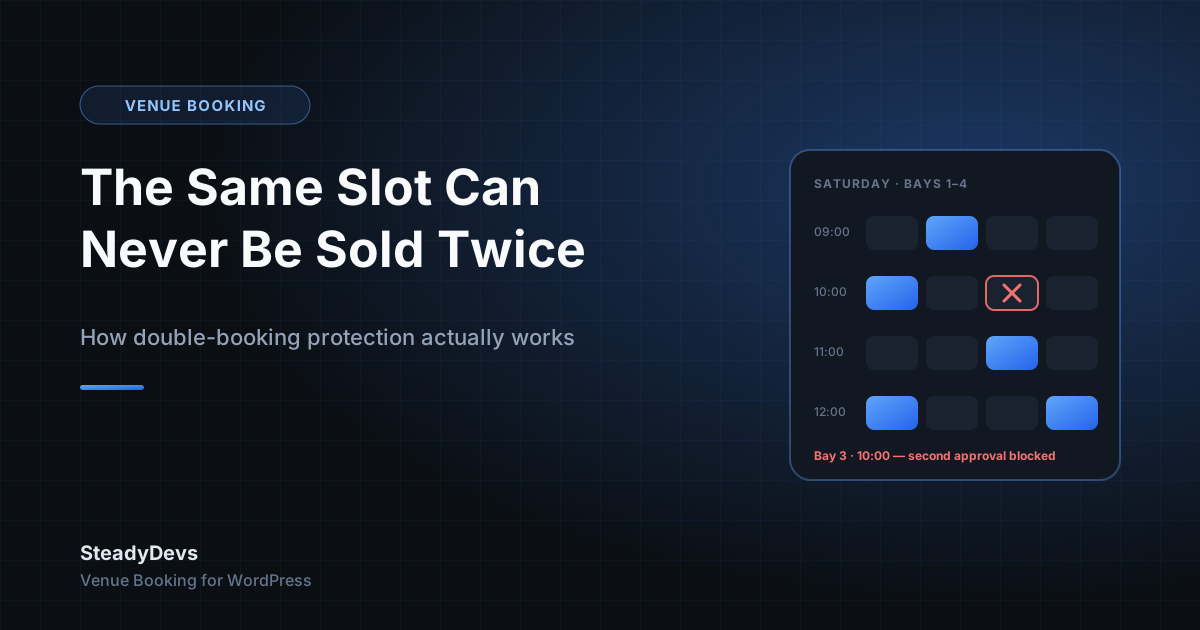
How Double-Booking Protection Actually Works in SteadyDevs Venue Booking
Most booking plugins we looked at before building our own handle double bookings the same way: they hope it doesn't happen.
The form checks availability when the page loads. Two customers open it at the same time, both see the 10am slot as free, both book it. Now you have two confirmed bookings for one bay and an awkward phone call on Saturday morning.
We wrote earlier about why double bookings keep happening even with a shared calendar. This post is the other half: what SteadyDevs Venue Booking actually does about it, step by step, so you can judge whether it's the right kind of protection for your venue.
Where the gap really is
A double booking is never caused by the form. It's caused by the time between checking and confirming. Any system that checks availability at one moment and confirms at a later moment has a window in which two people can both pass the check.
Shared spreadsheets have a window of minutes. WhatsApp has a window of hours. A booking form that only checks on page load has a window of however long the customer takes to fill it in. Closing that window is the whole job.
The three layers in the plugin
1. Live availability on the form
The booking form is a 3-step flow: pick a date and time, pick a resource, confirm. Availability is fetched live as the customer moves through it, so the obvious collisions—someone trying to book a slot that was taken an hour ago—never reach you. Taken slots simply aren't offered.
This is the layer most plugins stop at. It handles the common case and does nothing for the rare one.
2. A pending booking holds the slot
When a customer submits, the plugin checks the slot again on the server, against every booking that isn't cancelled or rejected. If the slot has been taken since the form loaded, the customer is told it's no longer available instead of being allowed to submit. If it's free, the booking is saved as Pending—and from that moment it occupies the slot, so nobody else can request the same time while you decide.
Nothing is confirmed yet. The customer is told their request is awaiting approval, and it lands in your WordPress dashboard.
3. The check happens again at approval
When you click Approve, the plugin looks for an already-approved booking that overlaps the same resource, date and time. If one exists, the approval is blocked and you're told why. The check and the confirmation are the same action, which means there is no window left for a second approval to slip through.
Why this matters more than it sounds: the protection doesn't depend on the customer's browser, the page being fresh, or two staff members not clicking at once. It depends only on what's already in your database at the moment you approve.
What this looks like on a busy Saturday
Imagine a driving range with six bays. Two regulars both open the form at 9:00 when Bay 3 at 10am is free, and both press Submit within the same second. Here is what happens:
- The first submission passes the server check and is saved as Pending. Bay 3 at 10am is now held.
- The second submission is checked against the database, finds the pending booking, and the customer sees that the slot is no longer available. They pick Bay 4 instead.
- You approve the first one. The customer gets a confirmation email from a template you control.
- If, in the rarest case, both submissions landed before either was saved, you'd see two pending requests. You approve one; the plugin blocks the second approval because Bay 3 at 10am already has an approved booking. You reject it or ask the customer to rebook, and they're emailed either way.
Nobody shows up to find someone else on their bay. That is the entire point.
What it deliberately doesn't do
The plugin doesn't auto-confirm, and it doesn't pick a winner for you. If you'd rather every booking confirm instantly without anyone looking, this isn't the design for you. We made approval mandatory because the owner usually knows things the form doesn't—the regular who always pays late, the group that needs the big room—and because approval is the one point where a collision check is guaranteed to run.
One consequence worth knowing: because a pending request holds its slot, a request you never act on keeps that time blocked. Rejecting or cancelling releases it immediately. Clearing the queue daily is the habit that keeps your calendar honest.
Give Every Slot One Owner, Automatically
SteadyDevs Venue Booking is free on the WordPress.org plugin directory—unlimited resources, no trial, nothing expires. The Pro edition on our site adds reminders, the Class Portal and more, with a 14-day free trial and no credit card required.
See Plans and Pro FeaturesInstall the free plugin directly from your WordPress dashboard, or from the WordPress.org listing.
Frequently Asked Questions
The first to be saved holds the slot as Pending and the second is told the slot is no longer available. In the rare case both are saved before either check completes, you'll see two pending requests, and only one of them can ever be approved—the second approval is blocked automatically.
Yes. Pending and approved bookings both occupy their slot on the form. Only rejected and cancelled bookings release it. That's why it's worth clearing your approval queue daily.
Not in the current plugin. Approval is where the final collision check lives, so removing it would remove the guarantee. If instant confirmation is a hard requirement for your venue, tell us—it helps us understand what to build next.
Yes. Live availability, the server-side check on submission, the pending queue and approval-time double-booking protection are all in the free plugin on WordPress.org, with no cap on resources.