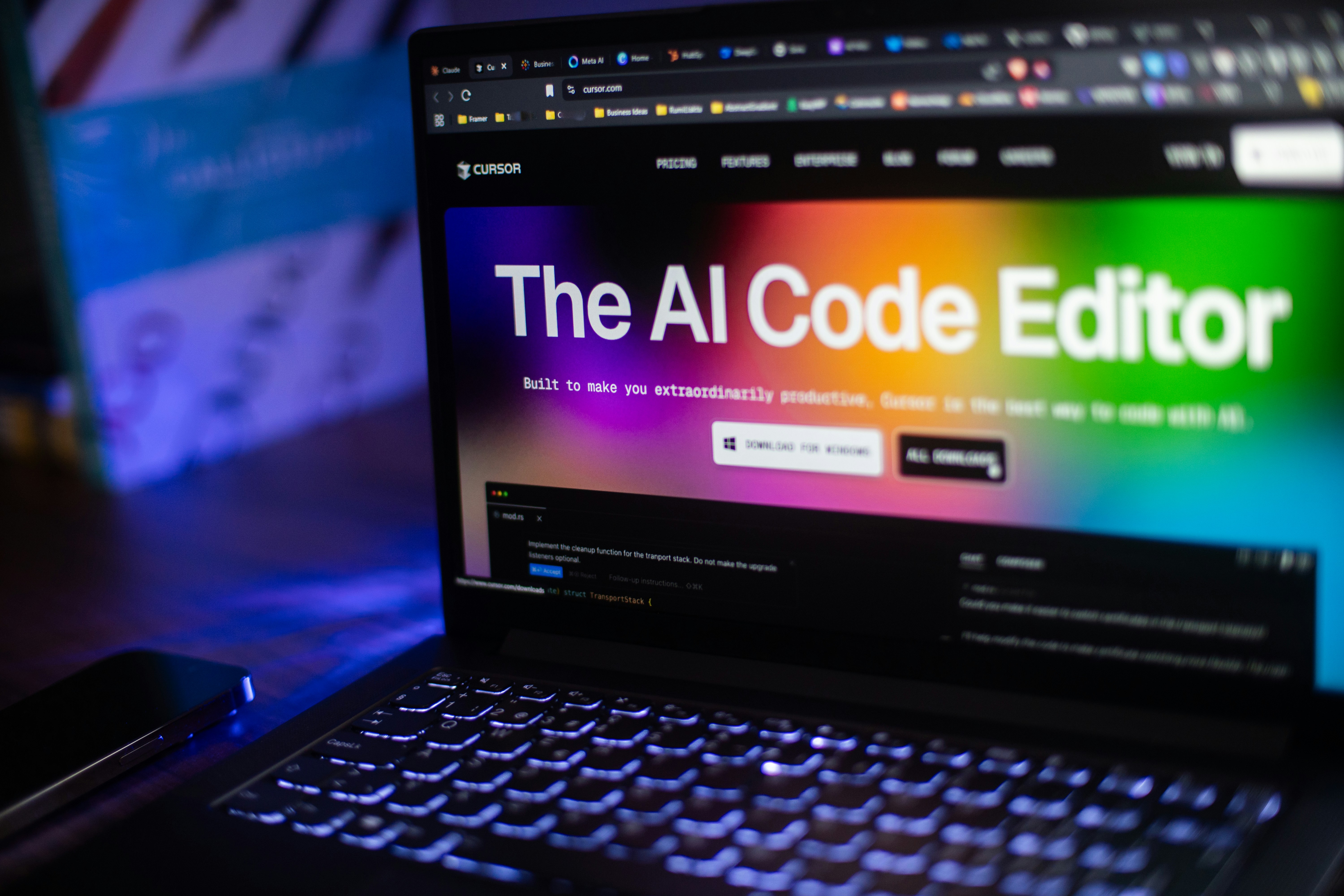
AI-Assisted Development Without the Code Chaos: Building a Pet Booking System
"Let AI write your code and ship faster!" That's the promise. The reality? Most developers have seen what happens when someone unleashes ChatGPT or Claude on a codebase without discipline—spaghetti logic, untested edge cases, and code that works until it spectacularly doesn't.
But here's what I learned from a 5-month real-world project: AI can genuinely accelerate development—if you treat it as a tool, not a replacement for thinking.
This is the story of building an advanced pet grooming booking system using Claude AI as a development accelerator, what worked, what didn't, and how to avoid creating the kind of AI-generated mess that becomes unmaintainable six months later.
The Project: More Complex Than It Sounds
The business came to me with a legacy web-based booking system originally built by outsourced developers. It had minimal features and no customer-facing capabilities. They needed:
- Intelligent booking automation (groomer availability, pet size restrictions, seniority-based scheduling, time slot management)
- Automated driver scheduling with area code restrictions and pickup eligibility checks
- Configurable package subscription system with automatic point awards
- Automated email notification system (booking confirmations, appointment reminders, low-point alerts)
- Customer-facing web interface
- Bug fixes and performance optimization for the existing backend
This wasn't a simple CRUD app. It had complex business rules, scheduling logic, and integration requirements. Perfect territory for AI to either save time or create a disaster.
The AI Development Approach: Rules I Followed
Before generating a single line of code, I established strict rules for how AI would fit into the workflow:
1. AI Generates, I Review and Verify
Every piece of AI-generated code went through human review. Not a quick glance—actual scrutiny:
- Does the logic make sense for the business requirements?
- Are there edge cases the AI missed?
- Is the code readable and maintainable?
- Does it follow the existing codebase patterns?
- Are there security or performance issues?
If the answer to any of these was "no" or "I'm not sure," I either rewrote it or asked the AI to revise with specific guidance.
2. Start with Clear Requirements, Not Vague Prompts
Bad prompt: "Create a booking system."
Good prompt: "Create a booking validation function that checks: 1) groomer availability for the requested time slot, 2) whether the groomer can handle the pet size (small/medium/large), 3) seniority restrictions (senior groomers get priority on premium slots), and 4) return specific error messages for each validation failure."
Specificity matters. Vague prompts produce vague code.
3. Test Everything the AI Writes
AI doesn't test its own code. I did. Every function, every edge case, every integration point.
For the booking automation logic, I created test cases covering:
- Valid bookings with all conditions met
- Invalid scenarios (groomer unavailable, pet too large, slot already taken)
- Edge cases (overlapping appointments, same-day bookings, subscription expiry)
- Data validation (malformed inputs, missing fields, SQL injection attempts)
Testing revealed issues the AI hadn't considered—like what happens when two customers try to book the same slot simultaneously.
4. Maintain Code Quality Standards
AI loves to write long, nested functions. I don't. Whenever Claude generated something too complex, I refactored it:
- Broke down large functions into smaller, focused ones
- Added meaningful variable names (not generic "data" or "result")
- Extracted business logic from database queries
- Added comments explaining why, not what
- Ensured consistent patterns across the codebase
The goal: code that a human can understand and maintain six months from now.
What AI Accelerated
Where did AI genuinely save time?
Boilerplate and Repetitive Code
The email notification system needed similar patterns for different event types (booking confirmations, reminders, low-point alerts). AI generated the base templates quickly, and I customized the business logic.
Time saved: Hours that would've been spent on repetitive typing.
API Endpoint Scaffolding
Creating REST API endpoints with validation, error handling, and response formatting is tedious but necessary. Claude generated solid scaffolding that I refined with specific business rules.
Complex Query Construction
The scheduling logic required intricate SQL queries joining multiple tables (groomers, availability, bookings, pet details, restrictions). AI helped construct the initial queries, which I then optimized and tested for performance.
Documentation and Comments
AI excels at generating clear documentation. I fed it function signatures and business logic, and it produced useful comments and documentation that explained the system to future maintainers.
What AI Struggled With
AI isn't magic. Here's where it fell short:
Understanding Complex Business Rules
The groomer seniority system had nuanced rules that weren't obvious from a simple description. AI would generate code that technically worked but didn't match the actual business requirements. Required multiple iterations and detailed clarification.
Edge Case Handling
AI tends to code the "happy path." What happens when the API receives malformed data? What if the database connection fails mid-transaction? What if two users book simultaneously? Human oversight was essential for robust error handling.
Integration Points
The notification system needed to trigger at specific points in the booking workflow. AI generated isolated notification code fine, but integrating it into the existing system's flow required understanding the broader architecture—something only a human could properly assess.
Performance Optimization
AI doesn't think about database performance. It'll happily generate code that works but makes 50 database calls when one would suffice. I optimized queries, added caching where appropriate, and ensured the system could scale.
The Results: What Actually Happened
After 5 months of development using this AI-assisted approach:
- Delivered every requested feature successfully — All the complex scheduling logic, automation, and notifications work as specified
- Minimal issues in production — The rigorous testing and code review paid off
- Maintainable codebase — Clean, understandable code that can be modified without fear
- Faster development timeline — AI accelerated routine tasks, letting me focus on architecture and business logic
- Client satisfaction — Business operations greatly improved with automated scheduling and customer communication
Key Insight: AI-assisted development accelerated delivery timeline while human oversight ensured code remained understandable and maintainable. This demonstrated that modern tools can speed up work without sacrificing code quality.
Lessons Learned: How to Use AI Successfully
If you're considering AI-assisted development, here's what actually works:
1. You Are the Architect, AI Is the Assistant
Define the architecture, design the data models, plan the workflows. Then use AI to help implement. Don't let AI make fundamental architectural decisions—it lacks the context.
2. Review Everything Like It's a Junior Developer's Code
Would you merge a junior developer's pull request without reviewing it? No. Same rule applies to AI-generated code. Read it, understand it, test it, refactor it if needed.
3. Write Better Prompts, Get Better Code
Invest time in clear, specific prompts. Include:
- Exact requirements and constraints
- Error handling expectations
- Performance considerations
- Example inputs and expected outputs
- Integration points with existing code
4. Test Aggressively
AI doesn't have production war stories. It won't anticipate that edge case that breaks everything at 2 AM. You need to.
5. Refactor AI Output
AI's first output is rarely optimal. Treat it as a draft. Refactor for clarity, performance, and maintainability.
When NOT to Use AI
AI isn't appropriate for everything:
- Mission-critical security code — Authentication, authorization, encryption should be carefully written by humans
- Complex algorithms with subtle requirements — AI might miss nuances that cause bugs
- Code you don't understand — If you can't explain what the AI wrote, don't use it
- Systems requiring deep domain expertise — AI lacks context about your specific business
- When you're learning — Don't let AI rob you of learning opportunities
The Bottom Line
AI-assisted development works—if you stay in control.
This pet booking project proved that AI tools like Claude can genuinely accelerate development without creating the unmaintainable mess many developers fear. The key is discipline:
- Clear requirements before prompting
- Rigorous review of generated code
- Comprehensive testing
- Refactoring for quality
- Human oversight on architecture and business logic
What you get is the best of both worlds: faster development for routine tasks, human intelligence where it matters most, and a codebase you can actually maintain.
The question isn't whether to use AI. It's whether you'll use it responsibly.
Need Development That's Fast AND Maintainable?
Whether using AI tools or traditional development, I focus on delivering clean, reliable code that serves your business needs. Let's talk about your project requirements and the right approach for your situation.
Get Your FREE ConsultationFrequently Asked Questions
Not if done correctly. The quality depends entirely on how you use it. AI-generated code that's reviewed, tested, and refactored by an experienced developer can be just as clean and maintainable as hand-written code. The danger is when people blindly copy-paste AI output without understanding or testing it. Think of AI as a very fast junior developer—helpful, but needs oversight.
It varies by task. For boilerplate code, API scaffolding, and repetitive patterns, AI can be 3-5x faster than writing from scratch. For complex business logic and architecture, the time savings are smaller but still meaningful—maybe 20-30% faster. The biggest gains come from letting AI handle tedious work so you can focus on the challenging parts that require deep thinking.
Claude (Anthropic) and GitHub Copilot both work well for .NET. Claude excels at understanding complex requirements and generating larger code blocks. Copilot is better for inline suggestions while coding. ChatGPT works too but tends to produce more generic solutions. Regardless of tool, the principles are the same: clear prompts, rigorous review, comprehensive testing.
Yes, but with caution. AI can help understand unfamiliar code, generate documentation, or suggest refactoring approaches. However, AI doesn't have the context of why legacy code was written a certain way. It might suggest changes that break subtle business rules or remove workarounds that were there for good reason. Use AI for understanding and ideas, but lean heavily on testing before making changes to production legacy systems.
Only if you don't review and refactor it. AI-generated code isn't inherently unmaintainable—poorly reviewed AI code is. If you follow the practices outlined in this post (review everything, test thoroughly, refactor for clarity), your codebase will be just as maintainable as traditionally written code. The real risk is letting AI output go directly to production without human oversight.
Have questions about AI-assisted development or want to discuss your project? Let's talk.